Camera
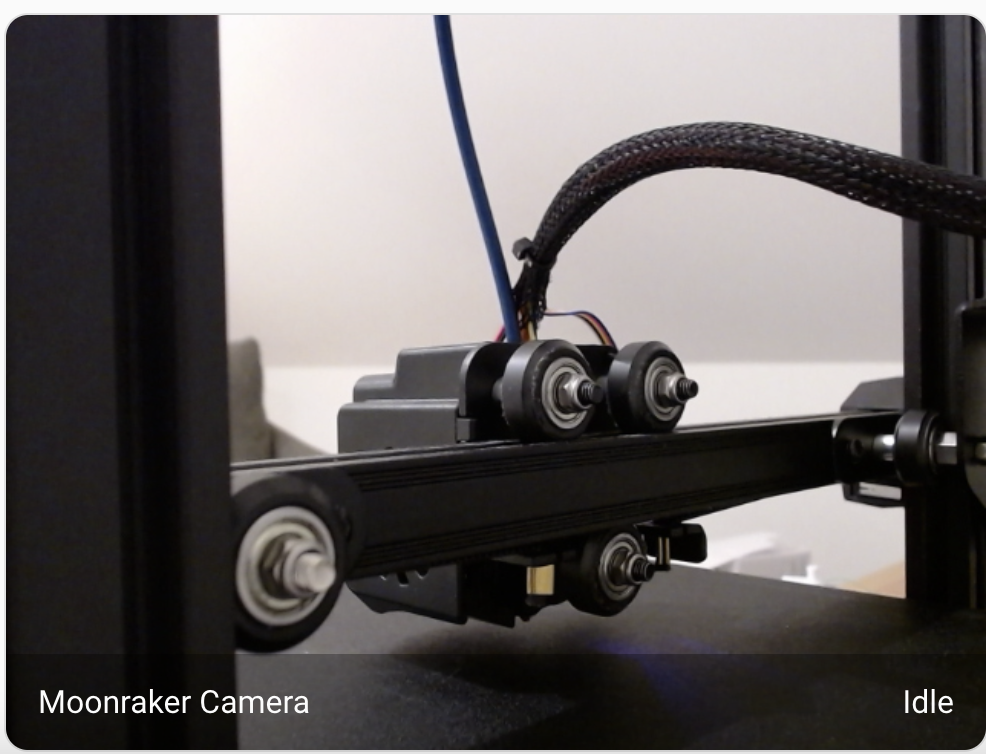
Livestream of any camera configured in crownest.
Current issue: Not supporting FLSUN or Creality SonicPad
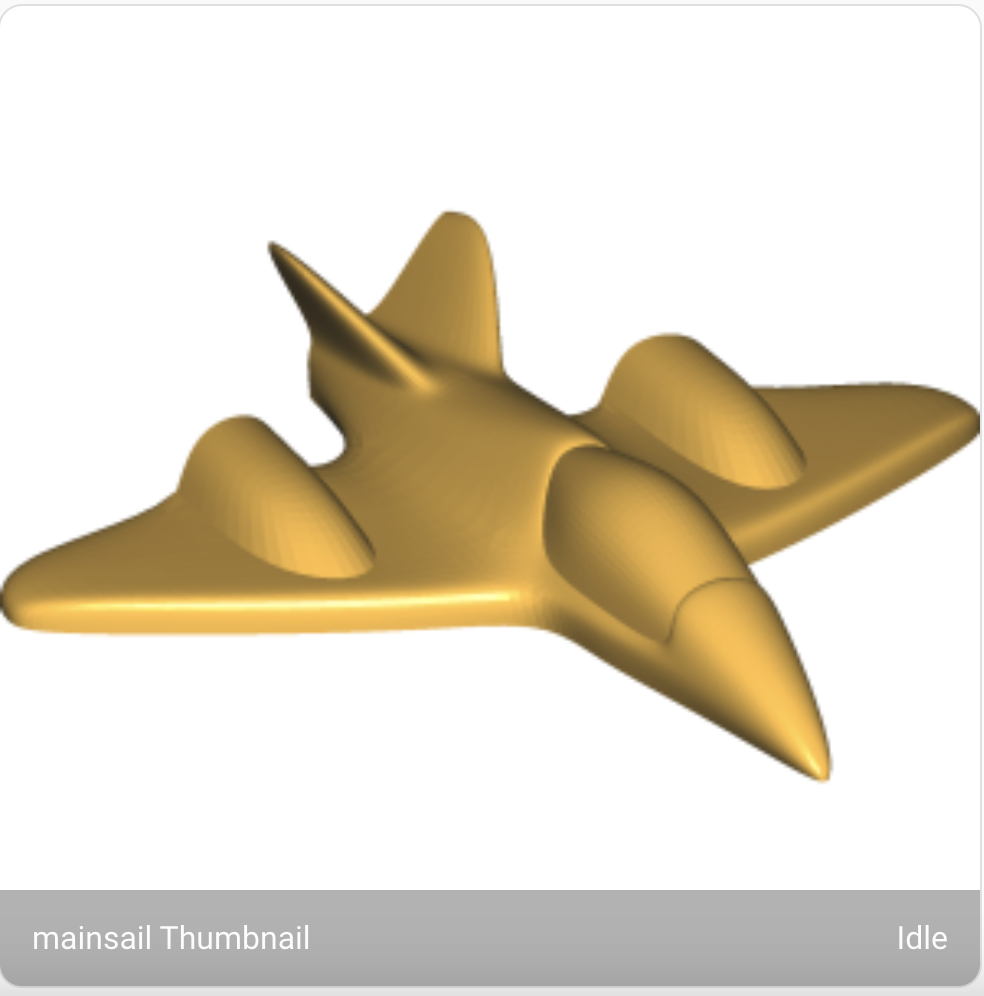
Thumbnail of the current print. (Your slicer needs to generate the thumbnail image)
Manual Configuration
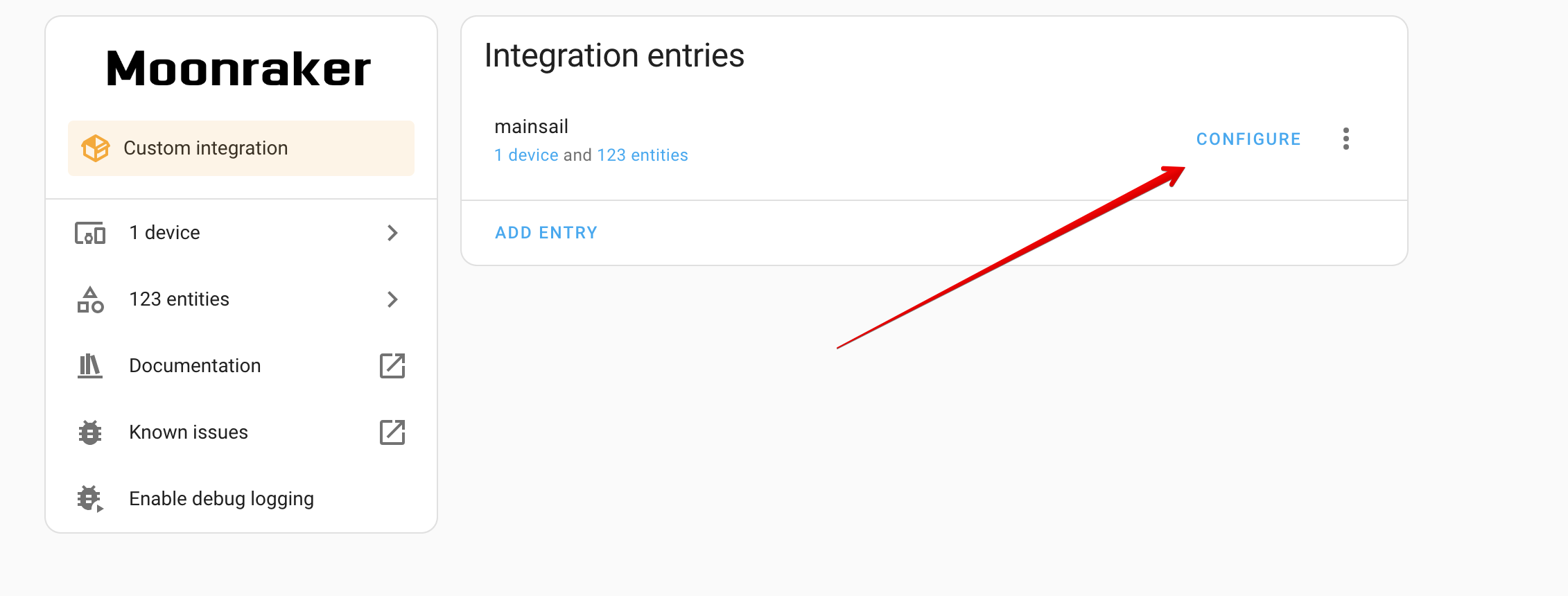
It is possible to manually configure the Stream and Snapshot URL for the camera. This will bypass the automatic configuration.
Configuring your camera allows you to either configure a custom URL or use the default configuration but to enforce a different port.
If you configure a custom URL (for the Stream or the Snapshot), the integration will not attempt to connect to the Moonraker API to retrieve the camera URL, this will also ignore the custom port configuration. So use one or the other.
Similarly to the camera, the thumbnail port can be configured.
Camera Rotation
If you want to rotate the camera image, you can do so by changing the dashboard layout. Using card mod.
With the extension installed, just modify your layout yaml. (apply the appropriate rotation (90, 180, 270))
card:
  type: picture-entity
  entity: camera.mkspi_webcam
  camera_view: live
  show_name: false
  show_state: false
  card_mod:
    style: |
      hui-image{
        transform: rotate(-180deg);
      }